
Staying productive as a creative and architect: 10 favourite tools for focus, workflow & content
A blinking cursor, mental block, and the question: what worked in 2025, what should my last blog post of the year be about? No idea, nothing's coming to me... Then white noise brought me to the idea for this article: I'm introducing you to my favourite tools. They make workflows easier and might be useful for you too – now and in 2026.
Prefer to read the german version? Click here.

So, here's how it happened: sometimes I sit in front of the screen, the cursor blinks, and nothing emerges. A moment many know well: the head is full, but ideas refuse to come. In these phases, distance helps me first: a walk with the dog, getting some fresh air – a break without pressure. This releases the tension, and first ideas begin to flow.
Sometimes my quiet ritual at the desk works too: white noise – a steady, calming sound blanket in the background. It creates an atmosphere where I become more focused, see more clearly, and thoughts begin to take shape again. Precisely this state often opens the door for ideas that were previously hidden. And that's how I came up with the idea to introduce you to my top 10 tools – perhaps there's something for you here. (Disclaimer: this isn't advertising and I don't have any affiliate links. I'm sharing these resources out of conviction.) So let's get started:
1 White noise – getting into the flow
White noise (or pink noise, black noise) are quiet, monotonous background sounds like rain, ocean waves or gentle snowstorms. They block out distractions, help with focus, and activate relaxed alpha waves in the brain. This gets you into the flow – ideal for creative sessions or when you want to work with concentration. It works for me. Tip: search for "white noise flow" or "white noise alpha" on YouTube or Google, put on your headphones, turn them down low, and relax!

2 TinyPNG – panda compresses photos
Your image files are too large? That's what TinyPNG is for. Photos and visuals up to 5 MB can simply be uploaded and compressed in seconds. File size is reduced by 80-90 percent without any visible loss of quality. Even though much larger files can be uploaded to websites today: compressed photos significantly reduce loading time. Why panda? You'll see > tinyPNG.

3 whereby – online meetings made easy
Zoom and Google Meet are all well and good for larger meetings, group coaching sessions or big companies. But honestly, I've always had "Zoom fatigue" and usually found the tool cumbersome – often there were technical problems and it took ages to finally get "in". I've always been enthusiastic about whereby's browser-based solution: as the organiser, you simply create your room, share the link, people click and they're in > whereby.com.
4 wetransfer – sending large files quickly
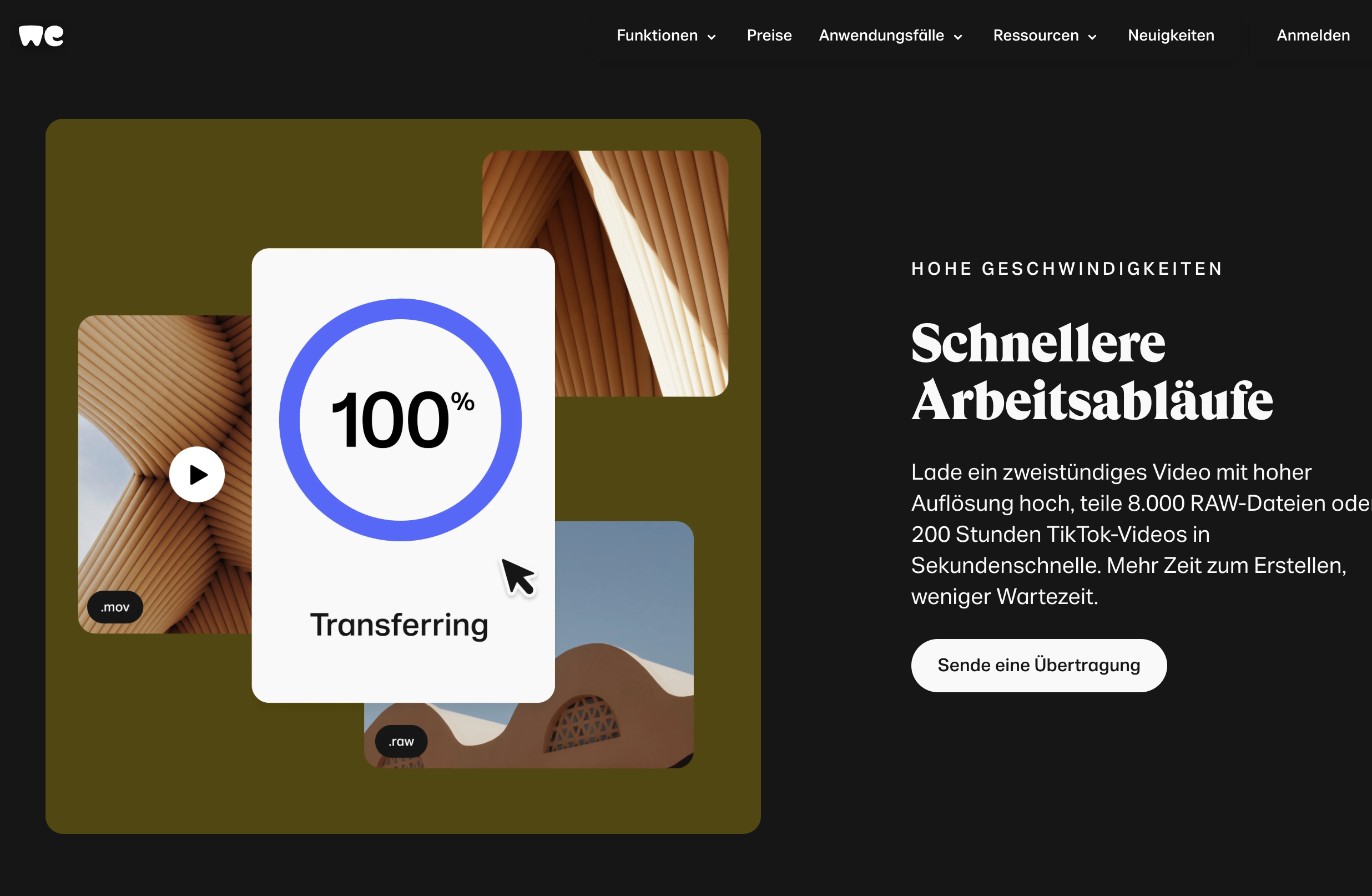
Most email providers limit file uploads to 20-25 MB. The alternative for sending files would be Dropbox or cloud solutions. For simple sharing of large attachments, I use WeTransfer. In the free version, files and folders up to 2 GB can be uploaded and sent via link. The download is available to the recipient for three days > wetransfer.
5 Three Apps: buffer, Unfold, Storybeat
I use these three apps for social media. Buffer is my planning tool for Instagram on desktop, though there's also an app. Very easy to use and reliable, at 60 euros/year also still affordable. Unfold and Storybeat are two mobile apps (available in the App Store) with which you can quickly create professional stories and reels. Unfold offers elegant templates and helps with visual planning of your Instagram feed. Storybeat focuses more on music and dynamic effects to make your content come alive.
6 Unsplash – the creative image treasury
This online platform offers a huge selection of free, high-resolution photos and graphics. They're contributed by a global community of photographers and can be used for almost any purpose (commercial & private). A valuable resource for me and for designers, creatives and businesses seeking quality images – often with simple search functionality and integration into other tools > unsplash.
7 Canva – great design & image platform
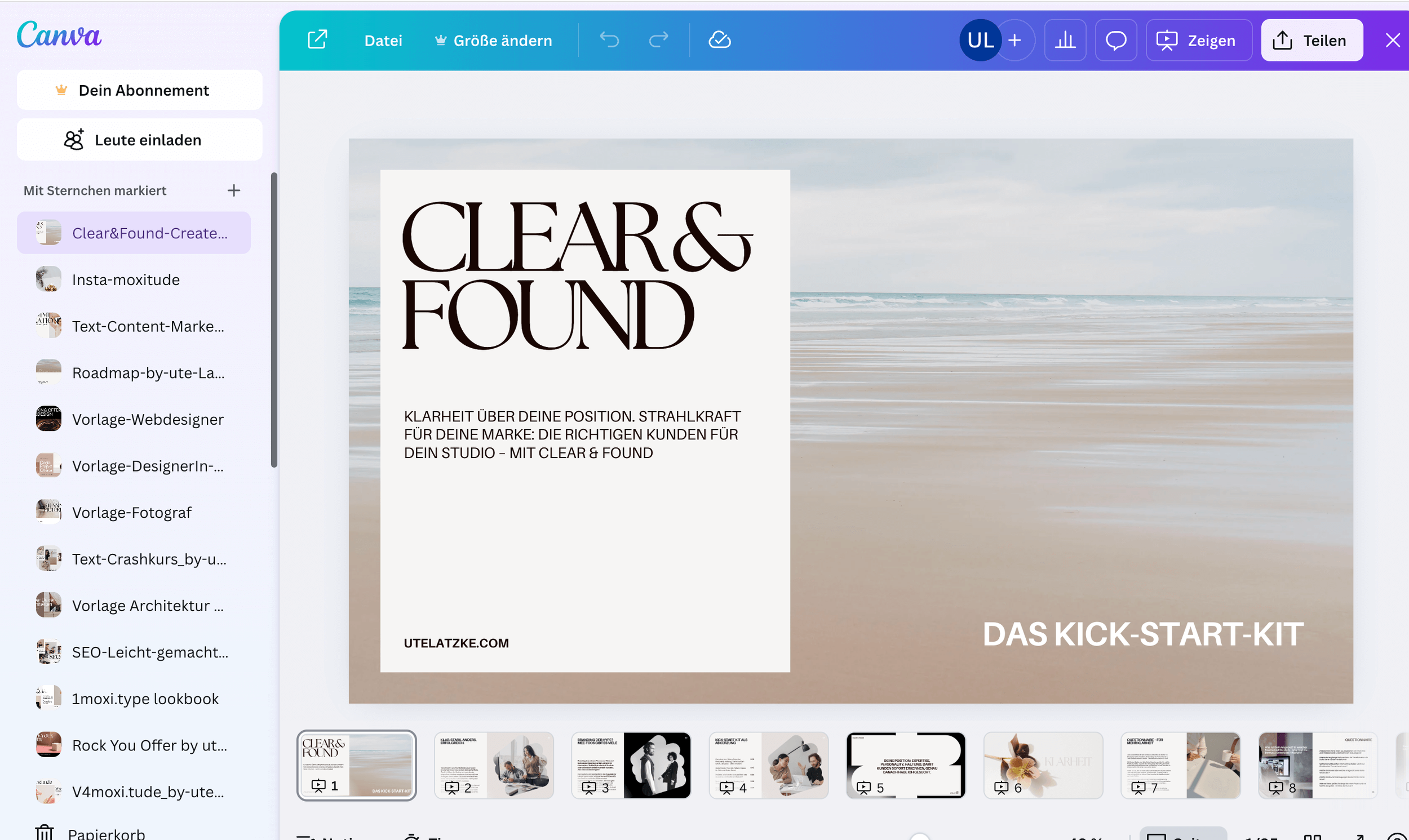
Canva is powerful – and long since more than a tool for quick, elegant designs. Its range of features has grown enormously, even in the free version. If you take the time to learn it, you can create almost anything: graphics, brochures, workbooks, presentations, videos, social content, and even add subtitles to your videos. The selection of free photos is impressive. For all Adobe fans: Canva doesn't replace design sense – it amplifies it. Those who can design will shine here even more. And those who can't, well, won't work miracles in InDesign either > Canva.
8 Copecart – for secure payments
I use CopeCart for my products in the moxishop. If you're planning to offer smaller service packages, it could be a suitable solution. The platform handles complete payment processing, invoicing, taxes and even subscriptions. Everything runs securely, automatically and cleanly > Copecart.
9 Seobility – browser-based SEO-tool
Seobility is my favourite for measuring how a website performs and where potential still lies. The tool checks your site technically and content-wise, identifies weaknesses and provides clear optimisation tips. The basic version is free, with 5 checks per day > Seobility.net.
10 Squarespace – for uniquely beautiful websites that work
My favourite when you want a modern, stable and elegant website that simply runs is Squarespace. The platform is an all-in-one system with strong, design-oriented templates that can be individually customised – perfect for architects, designers, photographers and basically anyone who values aesthetics and functionality. No technical fiddling, plugin chaos or extra programming. Everything is intuitive and easy to use. So you also free yourself from WordPress stress, agencies and often expensive follow-up costs > Squarespace.

If you're thinking about a new website or need guidance with Squarespace, simply write to me. Together we'll develop a solution.
Prefer to read the German version of this post? You'll find it here.
